
Paying for tea, splitting a dinner bill or sending money to family now takes a few seconds and a four- or six-digit PIN. The Unified Payments Interface, or UPI, has become so ordinary in India that few people stop to ask how it works. Understanding the basics is useful: it helps you use UPI more safely and explains what is going on when a payment gets stuck.
What UPI is
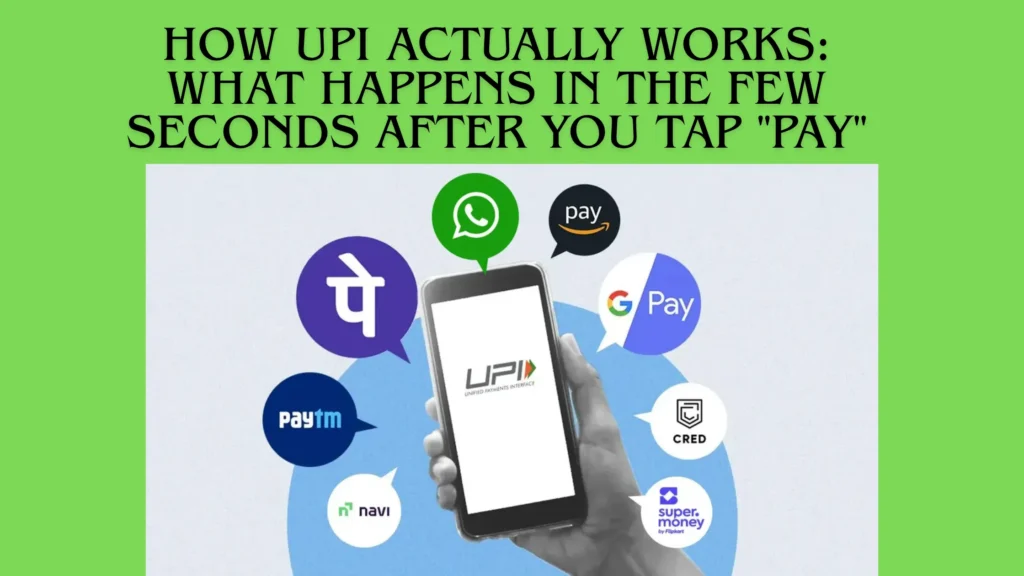
UPI is a payment system built and operated by the National Payments Corporation of India (NPCI), an organisation set up by banks under the guidance of the Reserve Bank of India. It is not an app. Apps such as Google Pay, PhonePe, Paytm, BHIM and many banking apps are front doors to the same underlying system. That is why you can send money from one app to someone who uses a completely different one.
The money itself never sits in the app (unless you are using a separate wallet feature). A UPI payment moves money directly from your bank account to the receiver’s bank account.
The key pieces
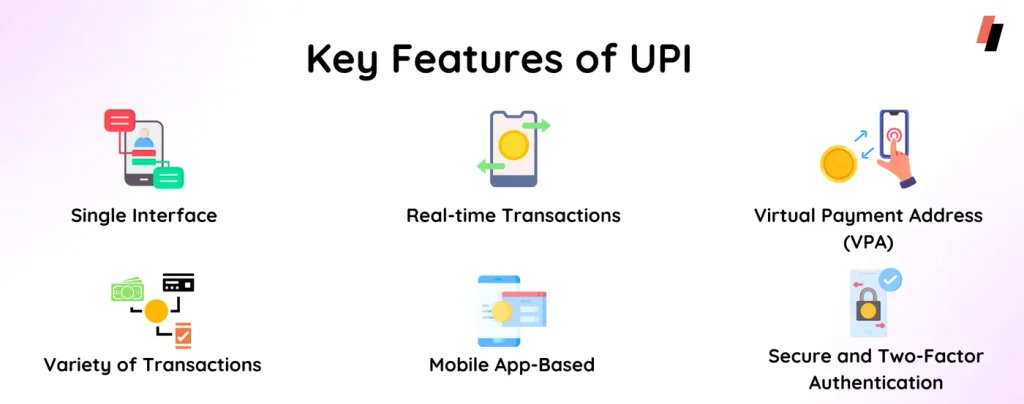
- Your bank account: The source of the money. You link it to a UPI app using the mobile number registered with your bank.
- UPI ID (VPA): An address like name@bankname. It lets people pay you without knowing your account number or IFSC code. You can have several UPI IDs linked to different accounts.
- UPI PIN: A secret PIN you set for each linked bank account. It authorises money leaving your account. It is not needed to receive money.
- The app (PSP): The payment service provider app you use, which talks to your bank and to NPCI.
- NPCI’s switch: The central system that routes the request between banks.
What happens when you pay
When you scan a shop’s QR code and pay ₹200, a lot happens in a few seconds:
- Your app reads the payee’s UPI ID from the QR code and creates a payment request.
- You enter your UPI PIN. The PIN is encrypted on your device and sent for verification. The app does not store it in readable form.
- The request goes to NPCI, which routes it to your bank.
- Your bank verifies the PIN, checks your balance and debits ₹200.
- NPCI routes the credit to the shopkeeper’s bank, which credits their account.
- Confirmations travel back, and both of you see a success message, often with a transaction reference number (UTR).
All of this usually completes in seconds, at any hour, including Sundays and bank holidays.
Pay versus collect requests
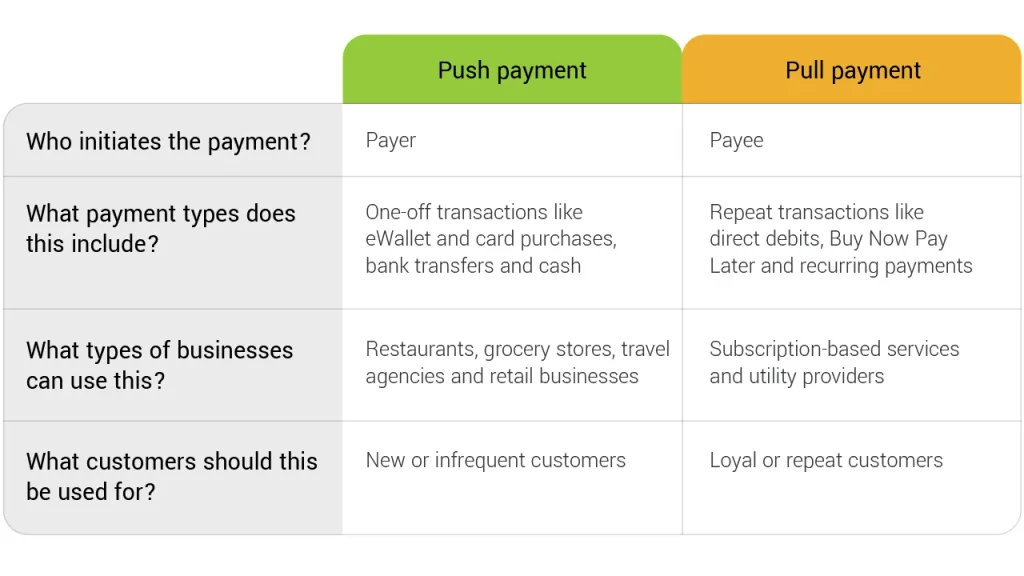
There are two basic ways a UPI payment starts:
- Push (pay): You initiate the payment, as when you scan a QR code or enter a UPI ID.
- Pull (collect request): Someone sends you a request to pay, and money moves only if you approve it with your PIN.
Collect requests are useful for genuine merchants, but they are also a common fraud tool. The key rule is simple: if you are entering your UPI PIN, money is leaving your account. You never need your PIN to receive money.
Why payments sometimes get stuck
Occasionally a payment shows as “pending”, or money is debited but the receiver does not get it. Common causes include a bank server being slow or down, network problems at the moment of payment, or a timeout between the systems involved.
What to do:
- Do not pay again immediately. Wait and check the status in the app, or confirm with the receiver.
- Note the UTR/reference number. It is the key to tracing the transaction.
- Wait for the automatic reversal. In most failed transactions, the money is returned to your account automatically, often within a short period. Rules on reversal timelines exist, and banks are expected to resolve failed transactions within set periods.
- Raise a complaint if it does not resolve. Use the help or dispute option in your UPI app, then contact your bank. If a complaint is not resolved, you can escalate through the RBI’s grievance redressal process.
Features worth knowing
- UPI Lite lets you make small payments from an on-device balance without entering your PIN each time, which reduces load on banks and avoids clutter in your bank statement.
- AutoPay sets up recurring payments such as subscriptions or SIP instalments, which you approve once and can cancel from the app.
- RuPay credit cards on UPI allow eligible credit cards to be linked and used to pay merchants through UPI.
- UPI 123PAY and UPI on feature phones extend digital payments to people without smartphones.
Transaction limits and feature rules are updated from time to time by NPCI and banks, so check your app or bank for current limits.
Using UPI well
- Keep your app and phone updated, and lock your phone with a PIN or biometric.
- Check the name that appears before you confirm a payment.
- Never share your UPI PIN, OTPs or screen with anyone, including people claiming to be from a bank.
- Review linked accounts and active AutoPay mandates every few months.
The bottom line
UPI is a bank-to-bank payment system with apps acting as the interface. Your UPI PIN is the key that lets money leave your account, so treat it like your ATM PIN. Once you understand that, UPI becomes both convenient and much safer to use.